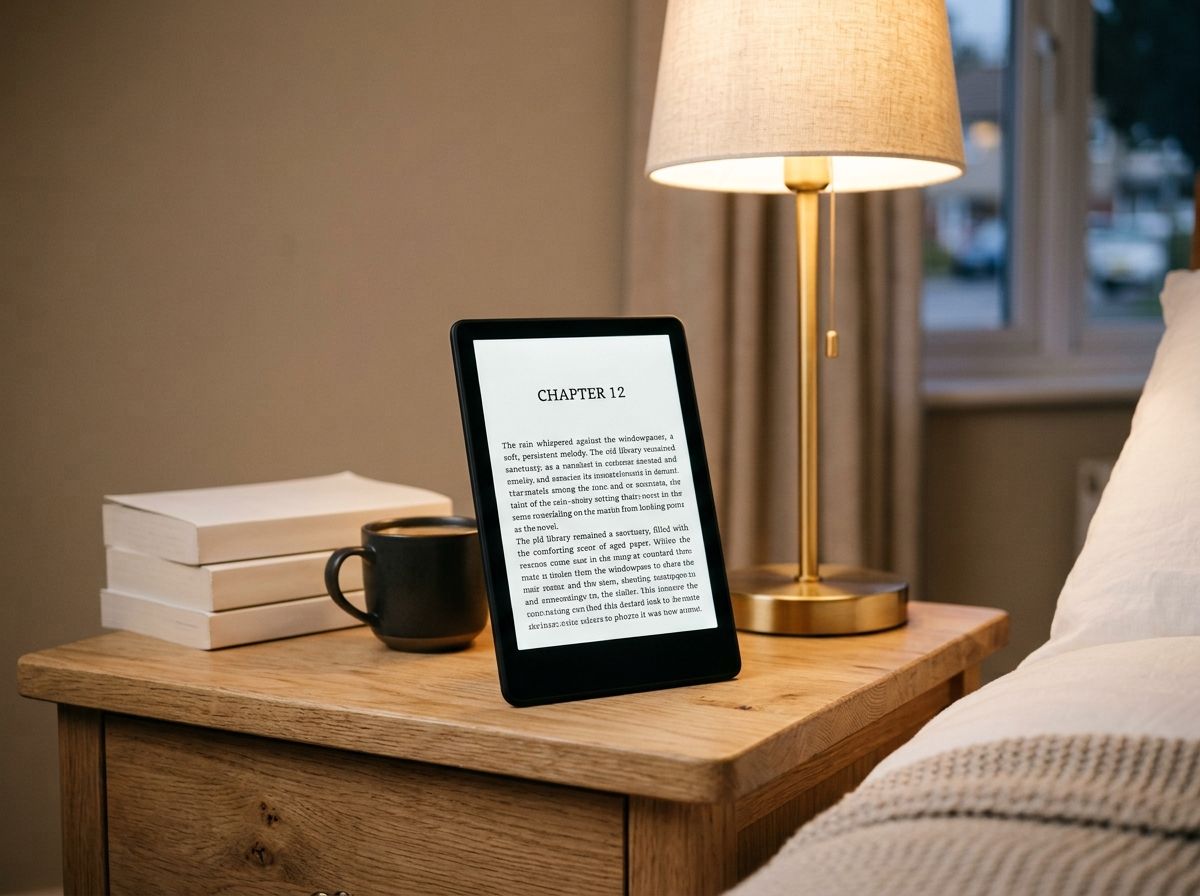
If you’re wondering whether the Kindle Paperwhite is worth buying guide, here’s the short version: it’s Amazon’s mid-range e-reader, currently priced at £159.99 for the 16GB model, and it remains the best all-round choice for most readers thanks to its 7-inch glare-free screen, adjustable warm light and up to 12 weeks of battery life. The current Kindle Paperwhite launched in October 2024, and as of July 2026, Amazon hasn’t announced a replacement, so it’s still the newest version you can buy. This guide covers pricing, specs, how it compares to other Kindles, and the questions people ask most before buying one.
What Is The Kindle Paperwhite?
The Kindle Paperwhite is Amazon’s step-up e-reader, sitting between the basic £94.99 Kindle and the colour Kindle Colorsoft. It uses E Ink technology rather than a backlit screen, which means the display only draws power when the page changes, giving it battery life measured in weeks rather than hours.
The current model has a 300 pixels-per-inch (ppi) display, a 7-inch screen (larger than the 6.8-inch screen on the previous generation), and an adjustable warm light that shifts from white to amber for evening reading. According to Amazon’s own UK product page, it charges via USB-C and carries an IPX8 waterproof rating, meaning it can survive accidental drops in the bath, pool or sea.
Kindle Paperwhite Price In The UK
The standard 16GB Kindle Paperwhite with lock-screen ads costs £159.99 at Amazon.co.uk as of July 2026. Removing the ads typically adds around £10 to that price. Prices change often, especially around Prime Day and Black Friday, so check the official Amazon listing before you buy.
| Model | Storage | Approx. UK price |
| Kindle Paperwhite | 16GB, with ads | £159.99 |
| Kindle Paperwhite Signature Edition | 32GB, no ads, wireless charging | £189.99 |
Sale prices are common. During Amazon’s Prime Day and Black Friday events in 2025 and 2026, the standard Paperwhite has dropped as low as £124.99, so it’s worth waiting for a sale window if your purchase isn’t urgent.
Kindle Paperwhite vs Signature Edition
The Signature Edition is the premium version of the same device, and it doesn’t add a different screen or reading experience, just extra convenience features. It comes with 32GB of storage instead of 16GB, an auto-adjusting front light that reacts to ambient brightness rather than needing manual adjustment, and wireless charging support through a separately sold dock.
For most readers, the standard 16GB Paperwhite is plenty, since even a modest e-book library of a few thousand titles fits comfortably within that space. The Signature Edition suits people who listen to a lot of audiobooks through Bluetooth, since audio files take up far more storage than text.
Key Specs At A Glance
- Screen: 7-inch, 300ppi, glare-free E Ink display
- Light: Adjustable warm light (manual on standard, automatic on Signature Edition)
- Battery: Up to 12 weeks per charge, based on 30 minutes of reading a day with wireless off
- Storage: 16GB standard, 32GB on Signature Edition
- Waterproofing: IPX8 rated for fresh water immersion
- Charging: USB-C
How Does It Compare To Other E-Readers?
Against Kobo’s Clara Colour and Clara BW, the Paperwhite holds its own on speed and screen quality, though Kobo devices support library-borrowed EPUB files more easily through OverDrive integration. Against Amazon’s own basic Kindle, the Paperwhite justifies its higher price with a bigger screen, waterproofing and a genuinely useful adjustable light, features the entry-level Kindle lacks entirely.
If note-taking or handwriting matters to you, neither Paperwhite model does that job. That’s what the Kindle Scribe Colorsoft is for, and it costs considerably more.
Setting Up A New Kindle Paperwhite
Setting up a new device takes a few minutes. Turn it on, connect to Wi-Fi, and sign in with your Amazon account when prompted. Your existing library, if you have one, syncs automatically through Whispersync.
To load books that aren’t from the Kindle Store, use the “Send to Kindle” feature, which accepts EPUB, PDF and DOCX files sent to your Kindle’s dedicated email address, found under your device settings on Amazon’s website. Files typically appear on the device within a few minutes.
FAQs
Is the Kindle Paperwhite worth buying in 2026?
Yes, it remains one of the best mid-range e-readers available, offering a sharp 300ppi screen, waterproofing and weeks of battery life for £159.99. There’s no newer model to wait for, since Amazon hasn’t announced a successor as of July 2026.
What’s the difference between Kindle and Kindle Paperwhite?
The basic Kindle has a smaller 6-inch screen, no waterproofing and a simpler front light, while the Paperwhite has a larger 7-inch screen, IPX8 waterproofing and an adjustable warm light. The Paperwhite costs around £65 more but suits anyone who reads near water or wants a bigger display.
How long does the Kindle Paperwhite battery last?
Amazon states up to 12 weeks per charge, based on 30 minutes of daily reading with wireless connectivity switched off. Heavy use, frequent page-turning, and keeping Wi-Fi on will shorten that considerably, often to two or three weeks in practice.
Is the Kindle Paperwhite waterproof?
Yes, it carries an IPX8 rating, meaning it can withstand submersion in up to 2 metres of fresh water for up to 60 minutes. It isn’t rated for salt water, so rinse it with fresh water if it’s been in the sea.
Can I borrow library books on a Kindle Paperwhite?
Yes, through services like BorrowBox or the Libby app, which many UK libraries support for Kindle-compatible loans. The process usually redirects you to Amazon’s website to complete the borrow, rather than working entirely within the Libby app itself.
How much storage do I actually need?
16GB holds several thousand e-books comfortably, since most novels take up only a few megabytes each. If you plan to listen to audiobooks through Bluetooth headphones, the 32GB Signature Edition gives more breathing room, since audio files are far larger than text.
Does the Kindle Paperwhite support Kindle Unlimited?
Yes, Kindle Unlimited works on every current Kindle model, giving access to over 4 million titles for a monthly subscription fee. Check Amazon’s UK pricing page for the current monthly cost, since subscription prices are reviewed periodically.
What’s the warranty on a Kindle Paperwhite?
Standard Kindle devices, including the Paperwhite, come with a 1-year limited warranty from Amazon. Extended cover is available separately through Amazon’s protection plans if you want longer peace of mind.