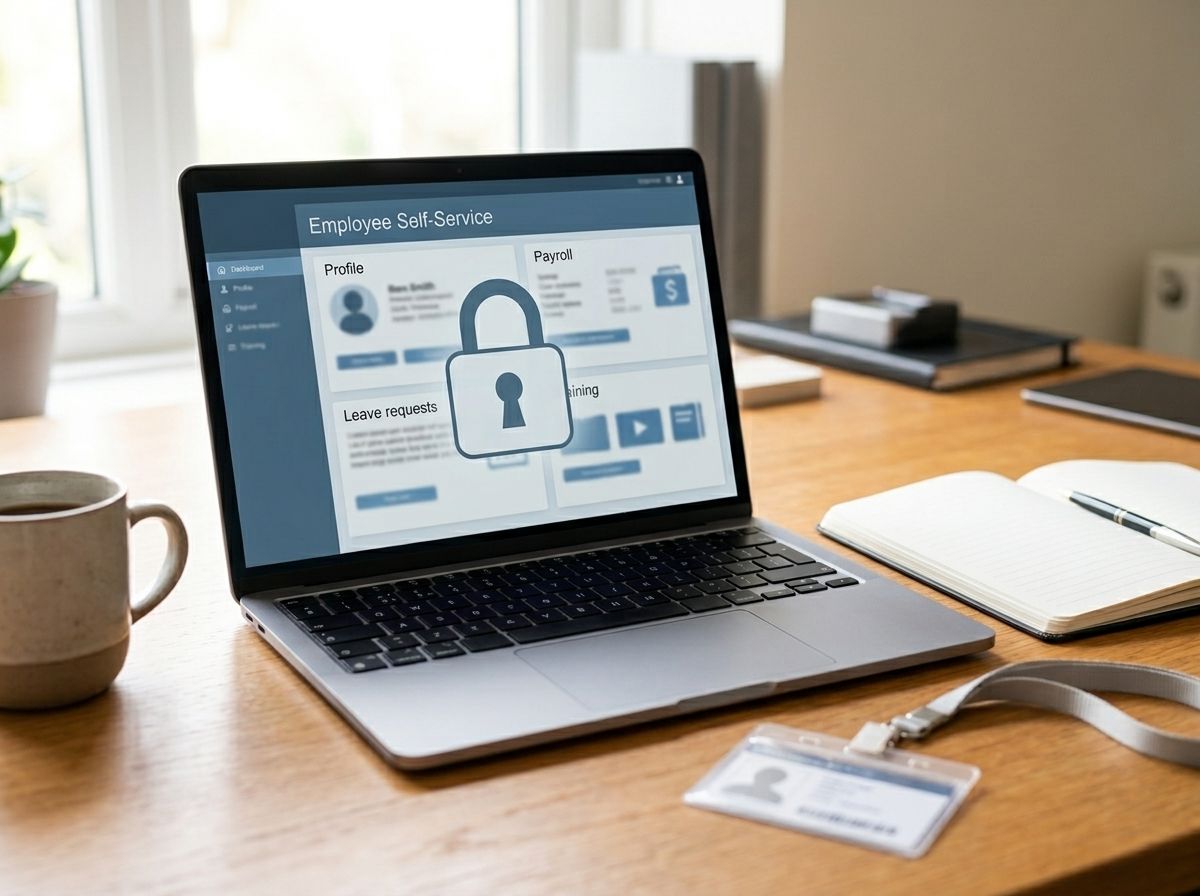
MiOcado is the name used for Ocado’s internal self-service portal, where staff can check payslips, view shift schedules and access benefits information. It isn’t a product or service the public can sign up for. It’s an internal HR system for people already employed by Ocado, similar to the staff portals most large UK employers run.
If you’ve searched for MiOcado hoping to log in, or you’re trying to work out which website is the real one, this guide covers what the portal is meant to do and, more importantly, how to avoid ending up on the wrong site while looking for it.
What Is MiOcado Used For?
For Ocado staff, MiOcado is where day-to-day HR tasks happen. That typically includes viewing and downloading payslips, checking upcoming shifts, updating personal details, and reviewing employee benefits such as the company’s staff shareholding scheme.
It’s the kind of system most large UK employers use in some form, sitting alongside payroll and HR software rather than being anything unusual to Ocado. If you’re an Ocado employee, the correct way to access it is through the link and login details provided by your manager, HR team, or Ocado’s own onboarding materials, not through a general web search.
A Word of Caution: There Are a Lot of “MiOcado” Websites
Here’s the part worth taking seriously. Searching for MiOcado turns up a surprising number of different websites, all claiming to be the official portal, all offering step-by-step “login guides”, and several hosted on domains that have nothing to do with Ocado. Some even show up on websites originally built for completely unrelated businesses.
We couldn’t confirm any of these third-party sites as Ocado’s genuine portal. None of them appeared on Ocado’s own corporate domains (ocadogroup.com or ocado.com) when we checked. That combination, several competing sites all claiming to be “official“, all asking visitors to enter a username and password, is a pattern commonly seen with phishing sites built to harvest login details from people searching for a genuine company portal.
This doesn’t necessarily mean every site using the MiOcado name is malicious. It does mean you shouldn’t trust a search result alone to tell you which one is real.
How to Access MiOcado Safely
If you’re an Ocado employee and need to get into the portal, the safest routes are:
- Use the link from your onboarding paperwork or HR email, rather than searching for it fresh each time.
- Ask your line manager or HR contact directly if you’ve lost the correct link or forgotten your login details.
- Bookmark the confirmed correct address once you’ve verified it through an official channel, so you’re not relying on search results in future.
- Never enter your username and password on a site you found through a general search without confirming it’s the one your employer actually uses.
If you’re ever unsure, it costs nothing to double-check with HR before logging in, and it’s a lot less hassle than dealing with a compromised account afterwards.
Signs a “MiOcado” Site Might Not Be Genuine
A few things worth watching for, whether it’s this portal or any staff login page:
- Multiple competing sites all claiming to be the official page for the same login
- A generic contact email address, such as a free Gmail account, rather than a company domain
- Domains that don’t match your employer’s own website (for example, a .net or .info address when the company itself uses .com or .co.uk)
- Pages hosted on websites for unrelated businesses, which sometimes happens when older or abandoned sites are repurposed to host copycat content
- Pressure to enter your password immediately, with little explanation of who runs the site or why
None of these prove a site is fraudulent on their own, but a few of them together are worth pausing over.
What to Do If You’ve Already Entered Details on a Site You’re Unsure About
If you’ve entered your Ocado login details on a site you’re now not confident about, change your password through the correct channel as soon as possible, ideally after confirming the genuine portal address with HR. It’s also worth changing the password on any other account where you’ve reused the same one, since credential theft often relies on people reusing passwords across different sites.
If you notice anything unusual on your actual Ocado account afterwards, report it to your employer’s IT or HR team straight away rather than waiting to see if it resolves itself.
FAQS
What is MiOcado?
MiOcado is the name of Ocado’s internal employee self-service portal, used by staff to view payslips, check shifts and access benefits information, rather than a product or service available to the public.
Is MiOcado.net the official Ocado employee portal?
We couldn’t confirm this from Ocado’s own corporate websites, and several different domains make the same “official” claim, so if you’re an Ocado employee, it’s safer to get the correct link from your manager or HR team rather than relying on a search result.
Can I sign up for MiOcado if I don’t work at Ocado?
No. MiOcado is an internal system for existing Ocado employees, not something the public can register for or use.
What can I do on MiOcado?
Ocado staff typically use it to view and download payslips, check shift schedules, update personal details, and access employee benefits such as the company shareholding scheme.
Why are there so many different MiOcado websites?
It’s common for popular employee portal searches to attract copycat or low-quality third-party sites, some of which may be attempting to collect login details, so it’s worth treating any site you find through a general search with caution rather than assuming it’s official.
What should I do if I’m not sure a MiOcado site is genuine?
Don’t enter your login details. Contact your line manager or HR team directly to confirm the correct address before signing in anywhere.
I think I entered my details on the wrong site. What now?
Change your Ocado password through the verified correct portal as soon as you can, update the password anywhere else you’ve reused it, and report the issue to your employer’s IT or HR team.